Block Mature Content on Your Child’s iPhone: A Complete Guide for Parents
Blocking mature or 18+ content on an iPhone has become essential for parents in today’s digital world. With easy access to the internet, kids can stumble upon age-inappropriate content with just a few clicks.
Such exposure can have long-lasting and damaging effects on their emotional and psychological well-being. By taking control of their online access, you can create a safer digital environment for your kids and help them develop healthy habits that will serve them well into adulthood.

In this article, we’ll explain why blocking mature content on the iPhone is important and provide several methods to protect your child’s device from explicit and inappropriate material. So, if you’re a concerned parent seeking ways to keep your child safe, read on!
What Studies Reveal About the Impact of Mature Content on Children
Exposure to explicit or mature content can affect a child’s mental health. It can lead to feelings of guilt, shame, and insecurity, as well as an increased risk of developing mental health issues such as anxiety, depression, and post-traumatic stress disorder.
A NCBI study found that 56.6% of participants in a nationally representative survey reported having been exposed to age-inappropriate content at some point in their lives, with a significantly higher proportion being male. The study concluded that exposure to such content is linked to potential mental health challenges.
Exposure to age-inappropriate content can also distort a child’s understanding of healthy relationships and self-image. It may encourage unhealthy behaviors and contribute to compulsive digital habits. Ensuring children are shielded from such content is key to fostering a positive self-image and healthy emotional development.
Importance of Protecting Children from 18+ Content
The internet has become an integral part of our daily lives. While it provides a wealth of information and entertainment, it also poses a threat to children who may stumble upon mature or 18+ content. As a parent or caregiver, it’s crucial to take steps to protect children from accessing such content and educate them on online safety.
1. Talking to your child about online safety
As soon as children start using the internet, they should be taught about the dangers that lurk online, including the risk of accessing inappropriate content. Parents can use age-appropriate language to explain why certain content is not suitable for them and how it can negatively impact their mental and emotional health. It’s also essential to teach children about the importance of respecting themselves and others online.
2. Keeping communication open with your child
It includes actively listening to them, creating a safe environment for them to share their thoughts and concerns, and being available for them whenever they need to talk. It’s crucial to establish trust with your child so they feel comfortable coming to you with questions or issues they encounter while using the internet.
3. Setting Boundaries
It’s also important for parents to set boundaries when it comes to their child’s online safety. An effective approach is to set clear expectations regarding the appropriate use of the internet and what kinds of activities are off-limits. Drawing up a contract that both parent and child agree upon can help keep each side accountable and ensure they understand the rules from the start. Additionally, setting time limits on how long and when your child can be online will give them an opportunity to unplug and focus on things outside of the digital world.
Methods to Block Mature Content on iPhone
#1: Enable Google SafeSearch
One of the most straightforward methods to block mature or explicit content on an iPhone is by enabling Google SafeSearch. It is a tool that filters out explicit content from your search results. To turn on SafeSearch, follow these steps:
Open the Google app on your iPhone.
Tap on the “More” tab in the bottom right corner of the screen.
Tap “Settings”
Scroll down to “General” and toggle the “SafeSearch” switch to “On.”
-
Once enabled, SafeSearch will filter out explicit content from your search results.
#2: Use Parental Control Apps
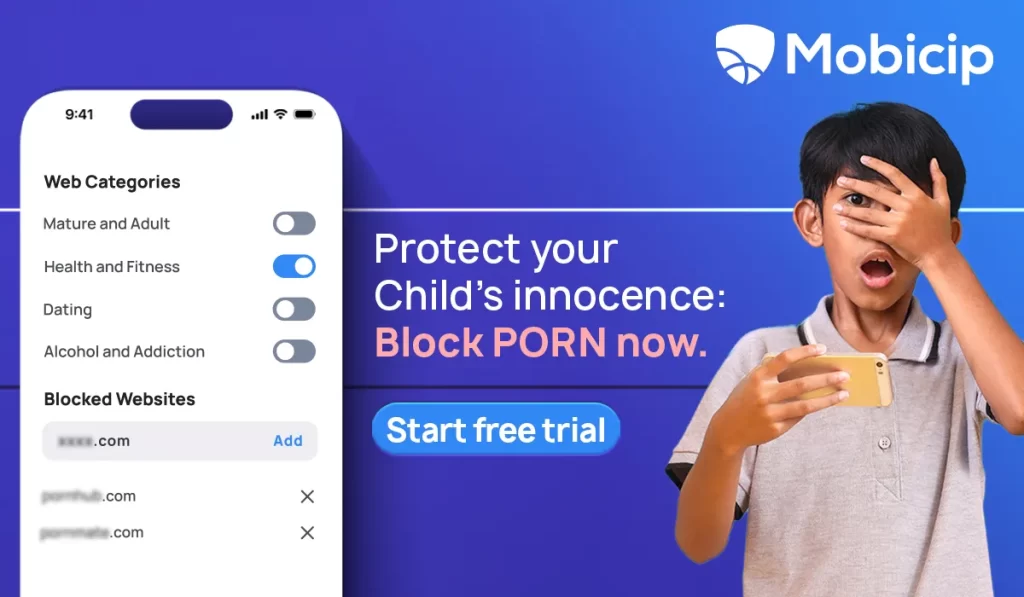
Parental control apps are specifically designed to help parents monitor and control their children’s online activities. These apps can be used to block 18+ and other explicit content on your iPhone.
To use a parental control app to block explicit material on your iPhone, follow these steps:
Select a parental control app that suits your requirements, such as Mobicip, which is a top-rated app for parental control.
Download and install the app on your iPhone.
Follow the app’s instructions to set up parental controls.
-
Use the app to block access to 18+ and other explicit content.

#3: Check with Your Internet Service Provider
Another way to block 18+ content on your iPhone is by checking with your internet service provider (ISP) to see if they offer content filtering. Some ISPs provide content filtering services that block access to explicit content. Contact your ISP to find out if they offer this service and how you can enable it.
#4: Use Family Sharing
Apple’s Family Sharing allows parents to control purchases and downloads. By enabling Ask to Buy under Settings > Screen Time > Content & Privacy Restrictions > iTunes & App Store Purchases, parents can prevent access to mature or inappropriate apps and media.
How Mobicip Helps Block Explicit Content on iPhone and Android
Mobicip is a comprehensive parental control app that helps parents monitor and manage their child’s online activity, encourage healthy digital habits, and block age-inappropriate, explicit, or 18+ content. Here are some of the key features:
Limit screen time: Set daily screen time limits for your child within healthy limits and prevent them from spending too much time on their devices.
Set daily schedules: Create schedules for activities like homework and sleep and manage your child’s time more effectively.
Block websites: Prevent your child from accessing explicit, mature, or age-restricted content. Mobicip uses advanced artificial intelligence to scan websites in real-time and blocks them instantly.
Monitor social media: Get alerts on harmful conversations taking place on Facebook, Snapchat, and Instagram and prevent cyberbullying and predatory attacks on your child.
Find my family: Share location and view location history for the last 7 days with the family locator feature and ensure your child’s safety.
Activity summary: Keep track of how your child spends their time online with a 30-day reporting history and understand their digital habits.
Privacy: Mobicip takes privacy and data protection seriously and does not sell any data to outside parties.
Mobicip is available on iPhones, iPads, iPods, Mac OS, and other major operating systems, making it perfect for families of any size.
Download Mobicip today and enjoy premium features free for 7 days. With Mobicip, you can have peace of mind knowing that your child is safe while using their device.
Frequently Asked Questions
1. How do I protect my child from being exposed to mature content on their iPhone?
You can protect your child from being exposed to inappropriate content on their iPhone by enabling parental controls or using a parental control app. You can also use content filters to block explicit or mature content and ensure safe browsing for your child.
2. At what age should I start talking to my child about online safety?
It is recommended to start talking to your child about online safety as soon as they start using digital devices. This can be done in age-appropriate ways, such as teaching them to keep their personal information private and not to communicate with strangers online.
3. Which parental control apps are best for blocking mature content on iPhone?
Reliable apps include Mobicip, Norton Family, and Qustodio. These apps can block mature, explicit, or age-inappropriate content and provide monitoring tools for safe browsing.
4. Will blocking mature content affect access to educational websites?
No. Blocking mature content does not prevent access to educational or informative sites. Most apps allow selective filtering, so children can safely learn online while inappropriate content is blocked.
5. How do I know if Mobicip is the right app for blocking mature content?
Mobicip offers comprehensive features like website and mature content blocking, screen time limits, app restrictions, social media monitoring, and family location tracking. You can try Mobicip Premium free to test all features before subscribing.