Android Parental Controls Explained: A Step-by-Step Guide for Parents
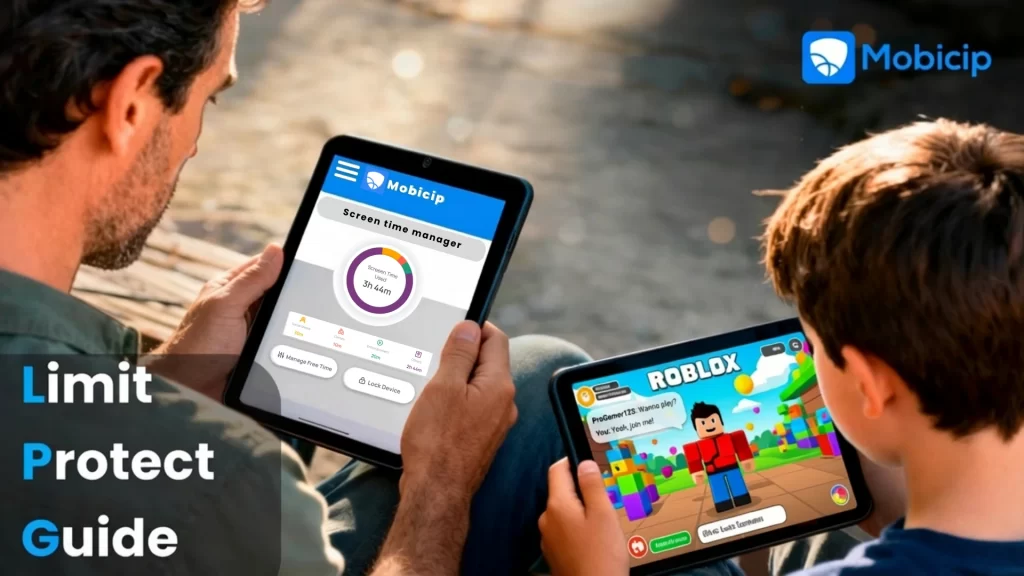
Android parental controls are essential digital tools that help parents manage their child’s smartphone usage while ensuring online safety, healthy screen time habits, and responsible digital behavior. With more children accessing Android devices at a young age, Android parental controls give parents visibility and control over apps, content, screen time, and online activity.
This guide explains how Android parental controls work and provides a step-by-step walkthrough to help parents set them up effectively.
The Rise of Smartphone Use Among Children and Teens
Smartphones have become a central part of children’s and teens’ daily lives. From online learning and educational apps to social media and entertainment, Android devices are often a child’s first gateway to the digital world. Studies show that children are gaining access to smartphones at increasingly younger ages, making digital wellbeing tools more important than ever.
While smartphones offer educational opportunities and connectivity, unrestricted access can also expose children to serious online risks.
Risks Children Face Without Parental Controls
Without proper safeguards, children may encounter:
- Inappropriate content, including violent or sexual material
- Excessive screen time, which can impact sleep, academics, and mental health
- Online predators, especially through chat apps and social platforms
- Cyberbullying, which can affect emotional wellbeing and self-esteem
This is where Android parental control apps play a crucial role in protecting children and supporting responsible digital parenting.
Understanding Android Parental Controls
Android parental controls are built-in and third-party tools that allow parents to monitor, manage, and limit how children use their devices.
These controls enable parents to:
- Manage apps and downloads
- Set screen time management limits
- Control in-app purchases
- Monitor online activity and safe browsing for kids
- Track device location using GPS
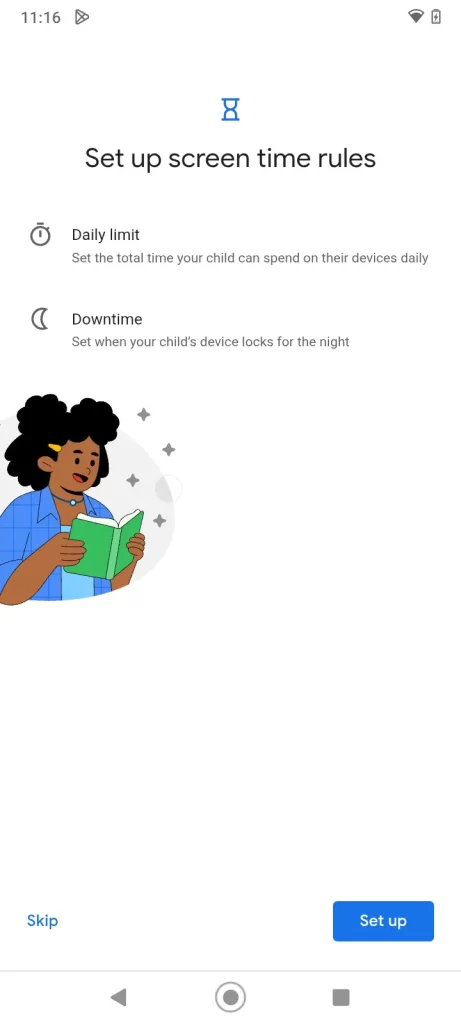
Step 4: Set Screen Time Limits
Use Family Link to establish daily screen time limits and bedtime schedules. This helps promote healthy routines and prevents late-night device usage.
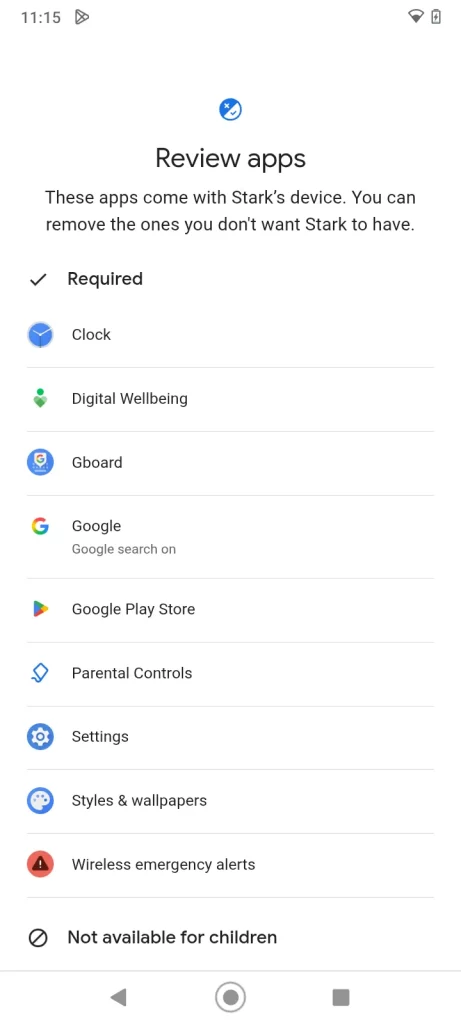
Step 5: Manage Apps and Permissions
Parents can approve or block app downloads, set age-appropriate restrictions, and view app usage reports. App blocking ensures children only access safe and educational apps for kids.
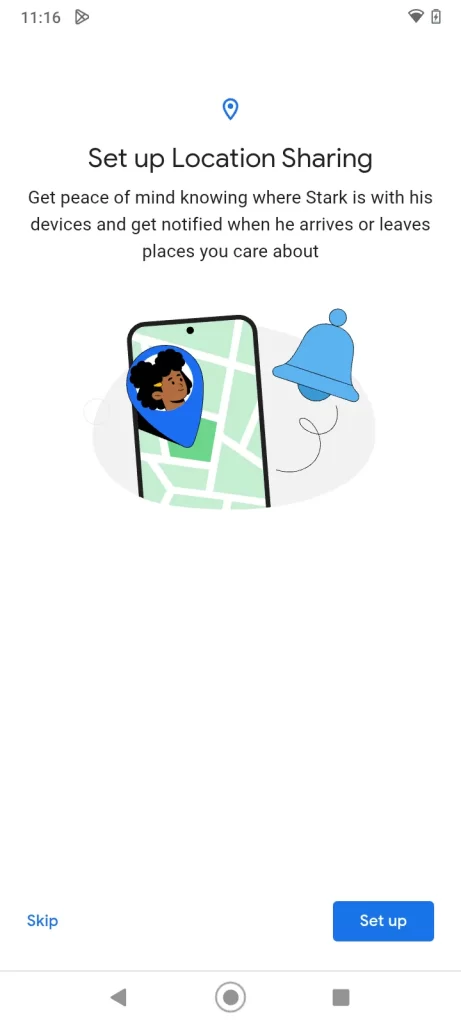
Step 6: Location Tracking
Enable GPS tracking for kids to view your child’s real-time location. This feature provides peace of mind and improves safety when children are away from home.
Step 7: Add Extra Protection with Mobicip
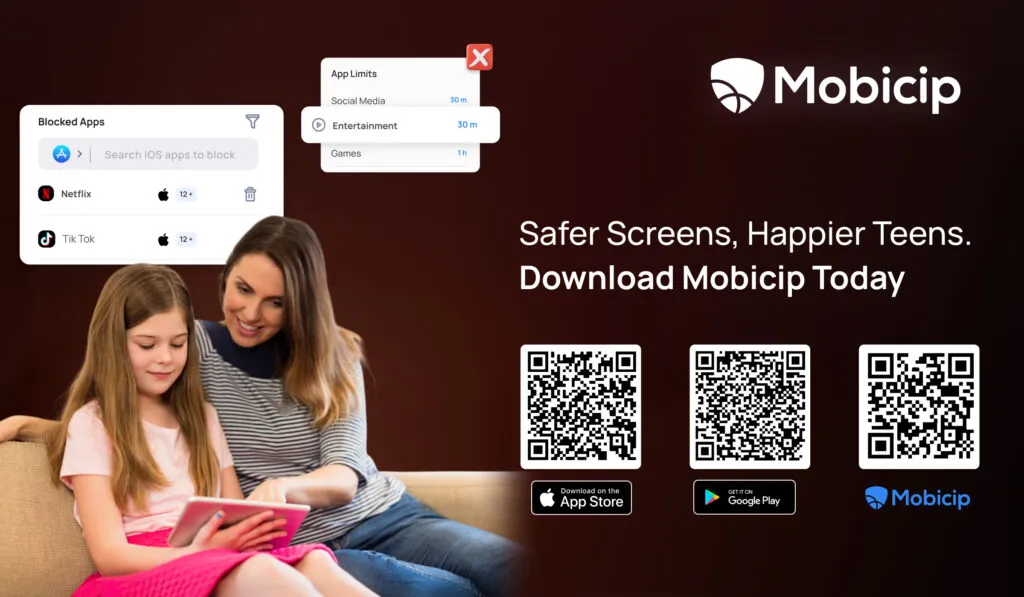
While Family Link covers basic needs, Mobicip enhances protection with advanced content filtering, YouTube parental controls, social media monitoring, and cross-platform parental controls for Android, iOS, Windows, and Mac devices.
Why Choose Mobicip for Parental Controls
Mobicip offers comprehensive features designed for modern families, including:
- App blocking and filtering by category
- Monitoring YouTube and social media activity
- Setting educational app priorities
- Multi-device management across platforms
- Audit-ready reports that provide detailed insights into your child’s digital behavior
These tools empower parents to prevent cyberbullying, promote safe browsing for kids, and encourage responsible smartphone use.
Conclusion
Android parental controls play a vital role in ensuring online safety for children while allowing them to enjoy the benefits of technology. By combining built-in tools like Google Family Link with advanced solutions like Mobicip, parents can strike the right balance between protection and trust.
With the right parental control setup, families can foster healthy digital habits, protect children from online risks, and create a safer, more positive digital environment, making Mobicip an essential partner in modern digital parenting.